Atharva Bhorpe · Writing
Import SO-ARM100/101 into Isaac Sim
Import the arm URDF into Isaac Sim, add physics and ground, and connect ROS 2 with an Action Graph.
The original walkthrough follows YaoHui’s tutorial and records the project-specific setup notes below.
1. Download the SO-ARM100 URDF
Use the SO-ARM100/101 URDF repository. The project notes also use MuammerBay’s ROS 2 URDF repository for ROS 2 integration.
2. Start Isaac Sim
For the Pixi environment, start Isaac Sim from the project directory:
pixi run isaac-simThe source notes also show the arm repository being cloned from the Pixi project directory:
cd isaaclab-pixi
git clone https://github.com/TheRobotStudio/SO-ARM100.git
3. Import the URDF into Isaac Sim
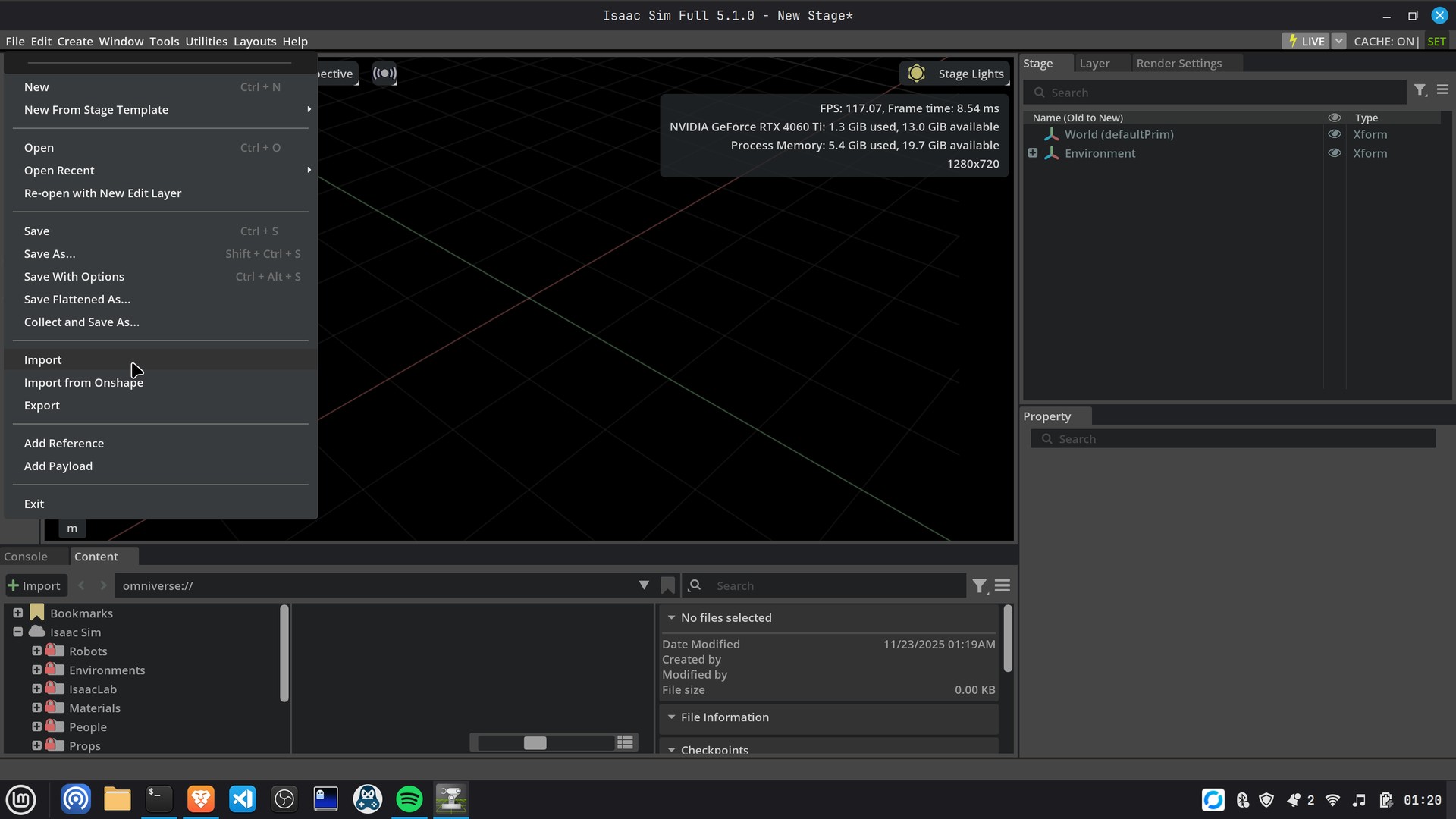
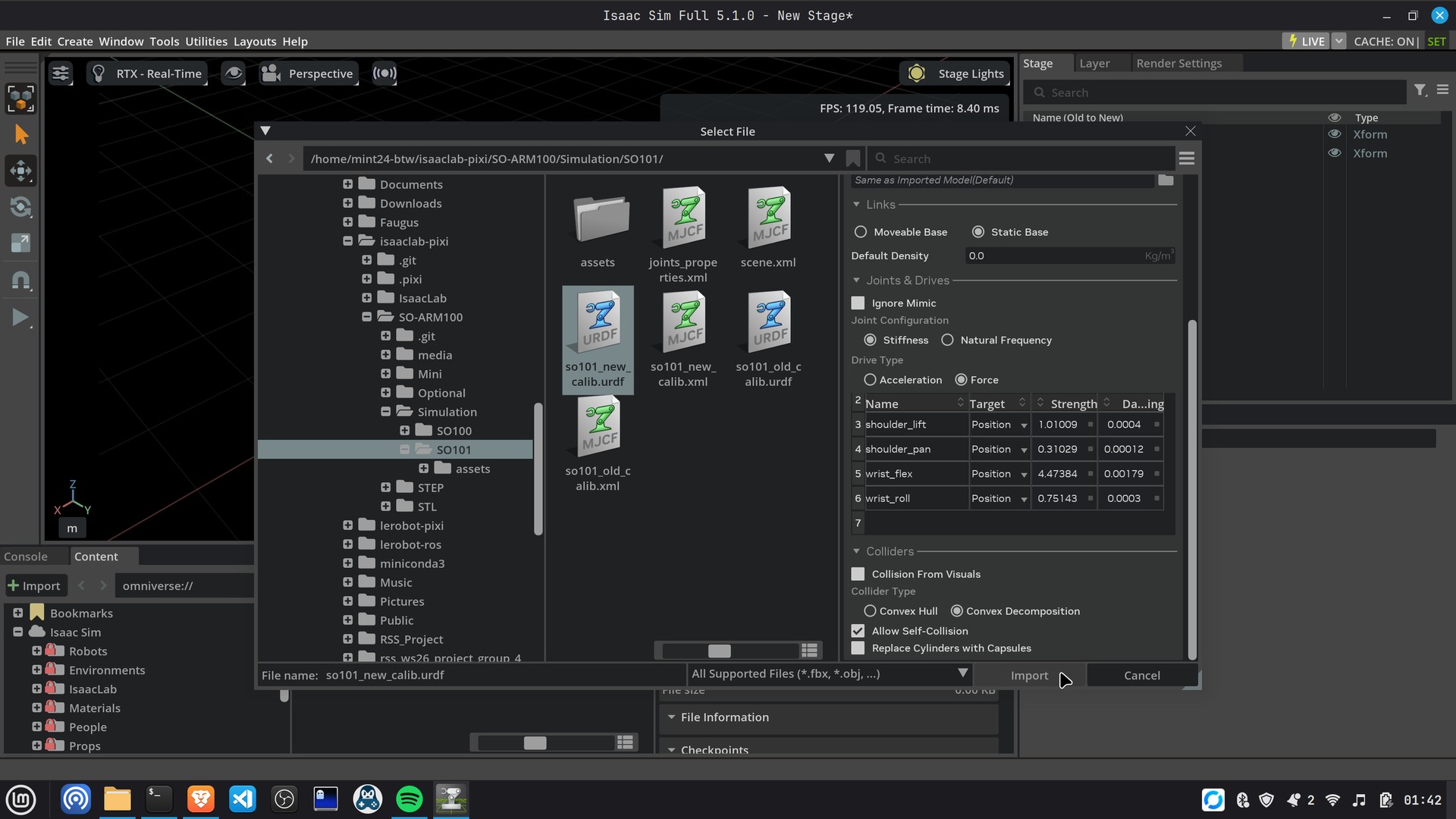
In Isaac Sim, use File → Import and select the downloaded URDF. Review the import options before confirming. The screenshots below are from the original walkthrough.
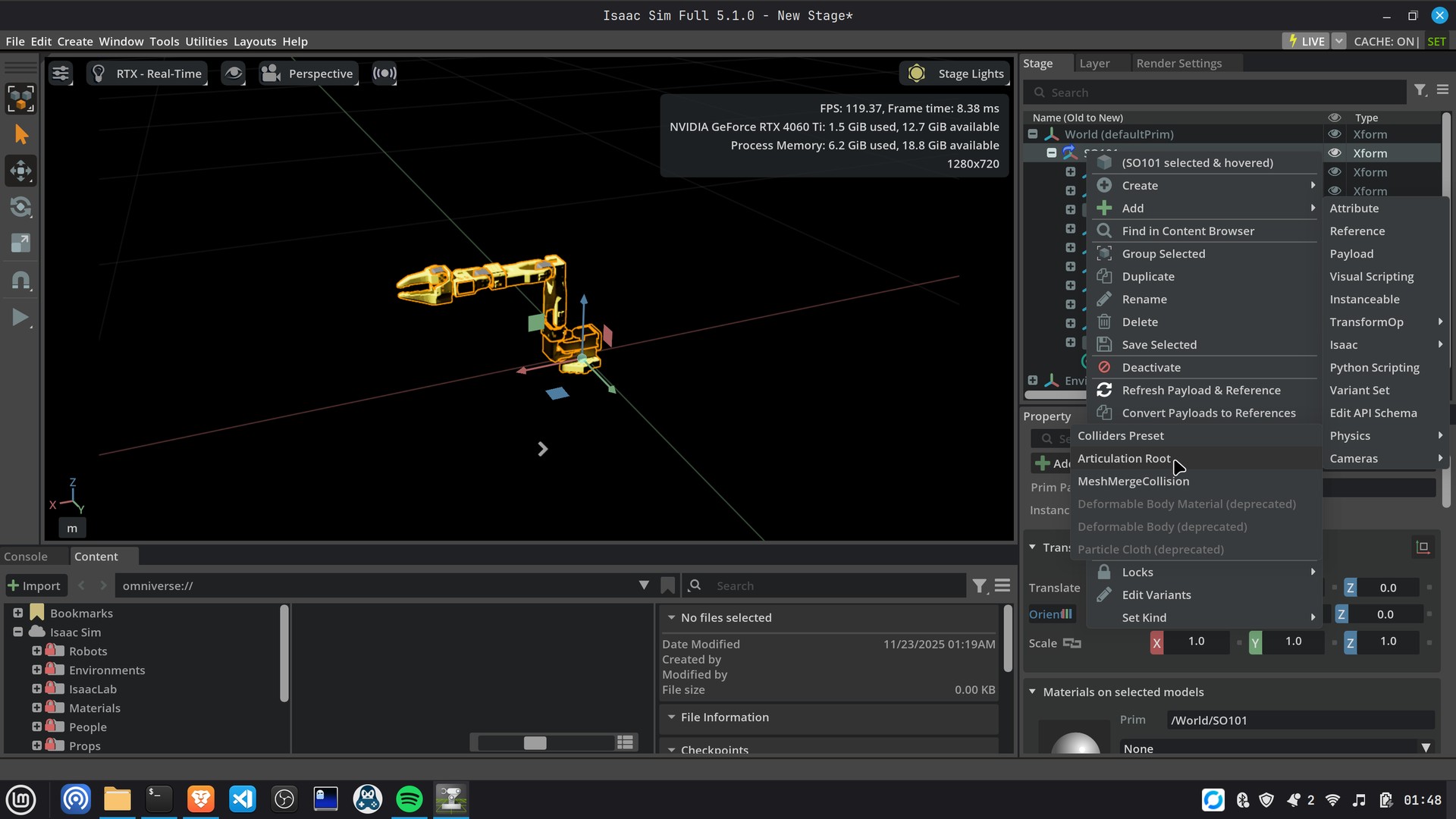
4. Change the Articulation Root
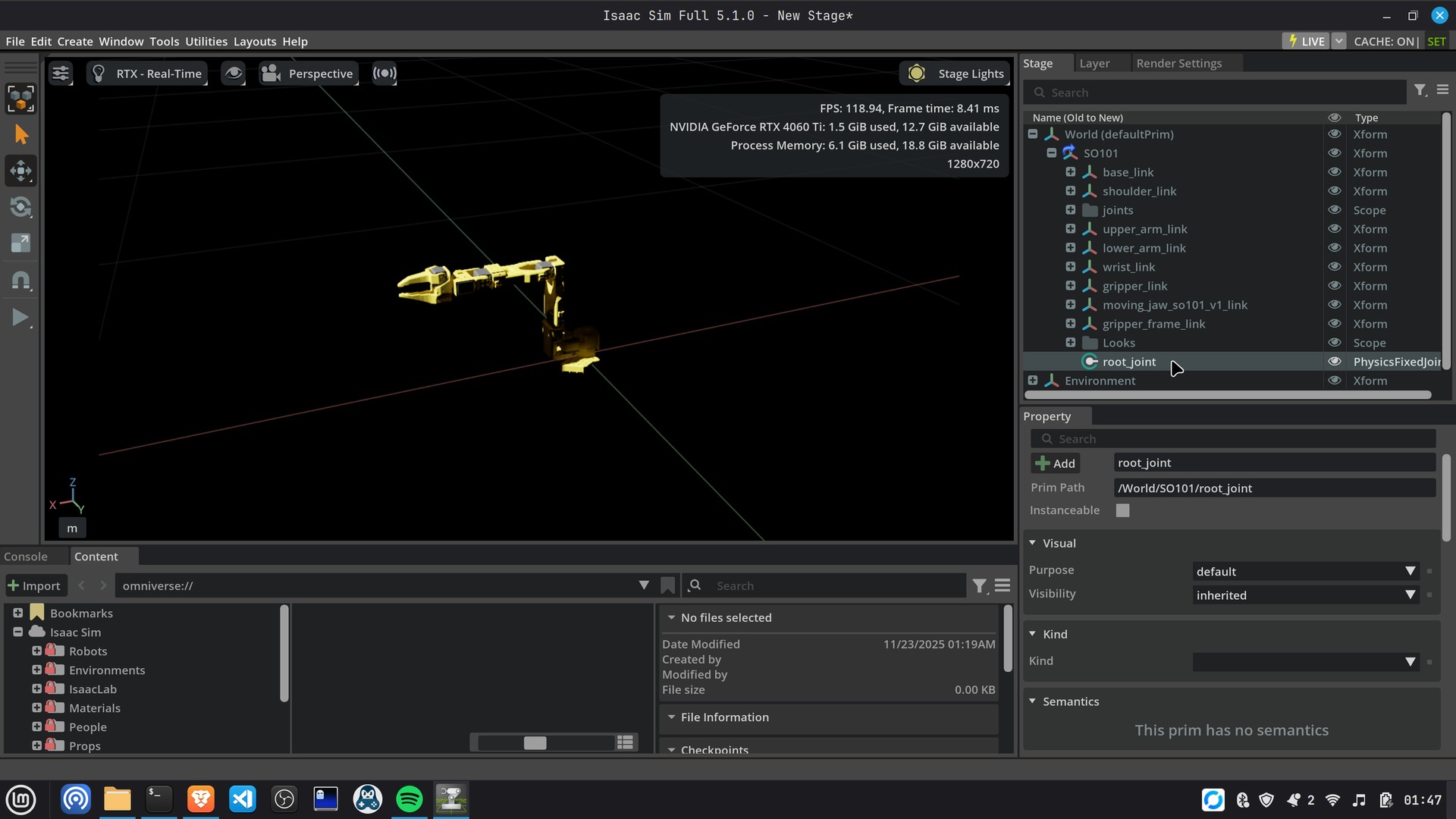
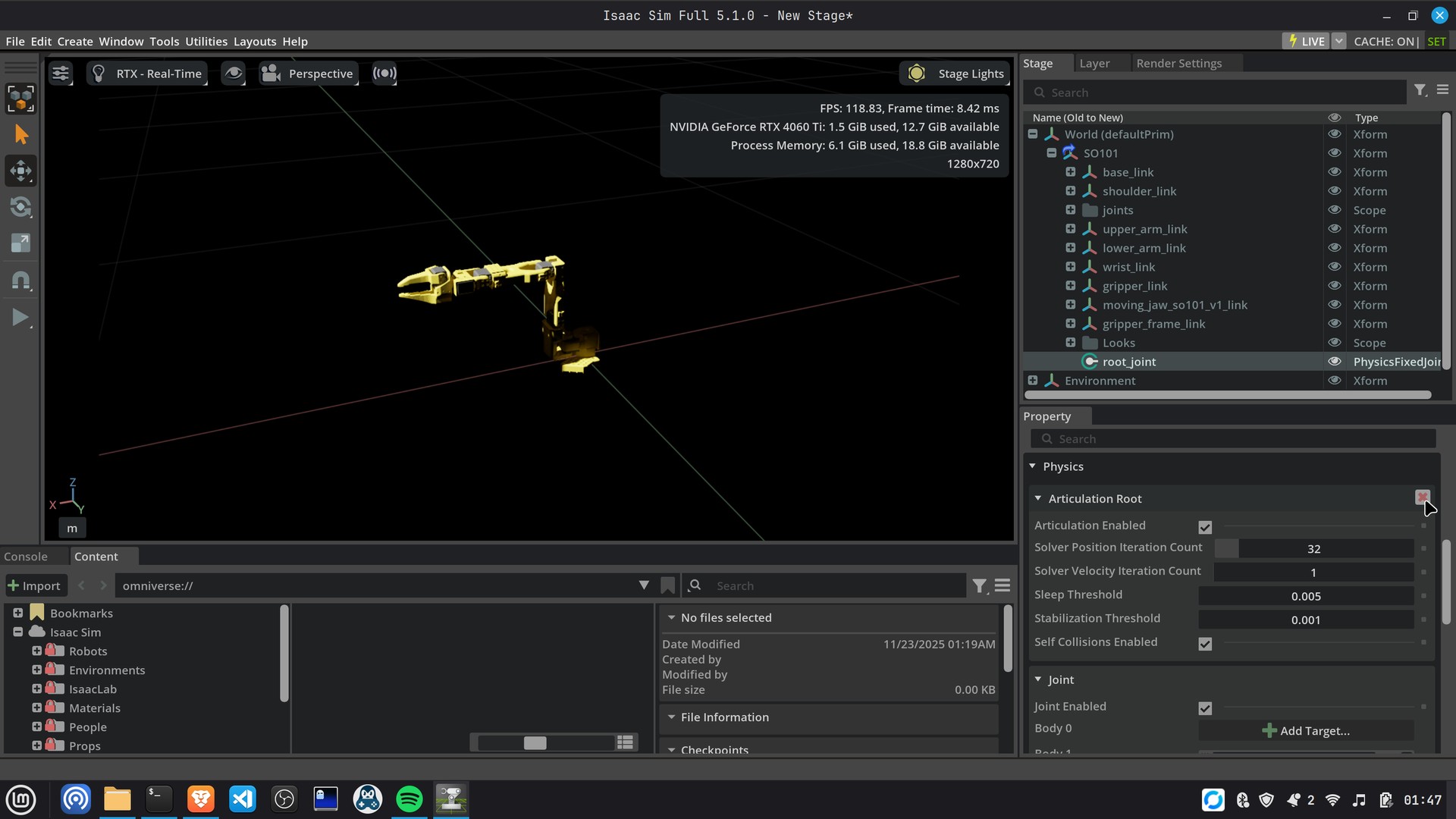
After import, inspect the robot hierarchy and set the articulation root on the intended robot root prim. Confirm that the arm appears in the stage and that its joints are included in the articulation.
5. Add Physics Scene and Ground Plane
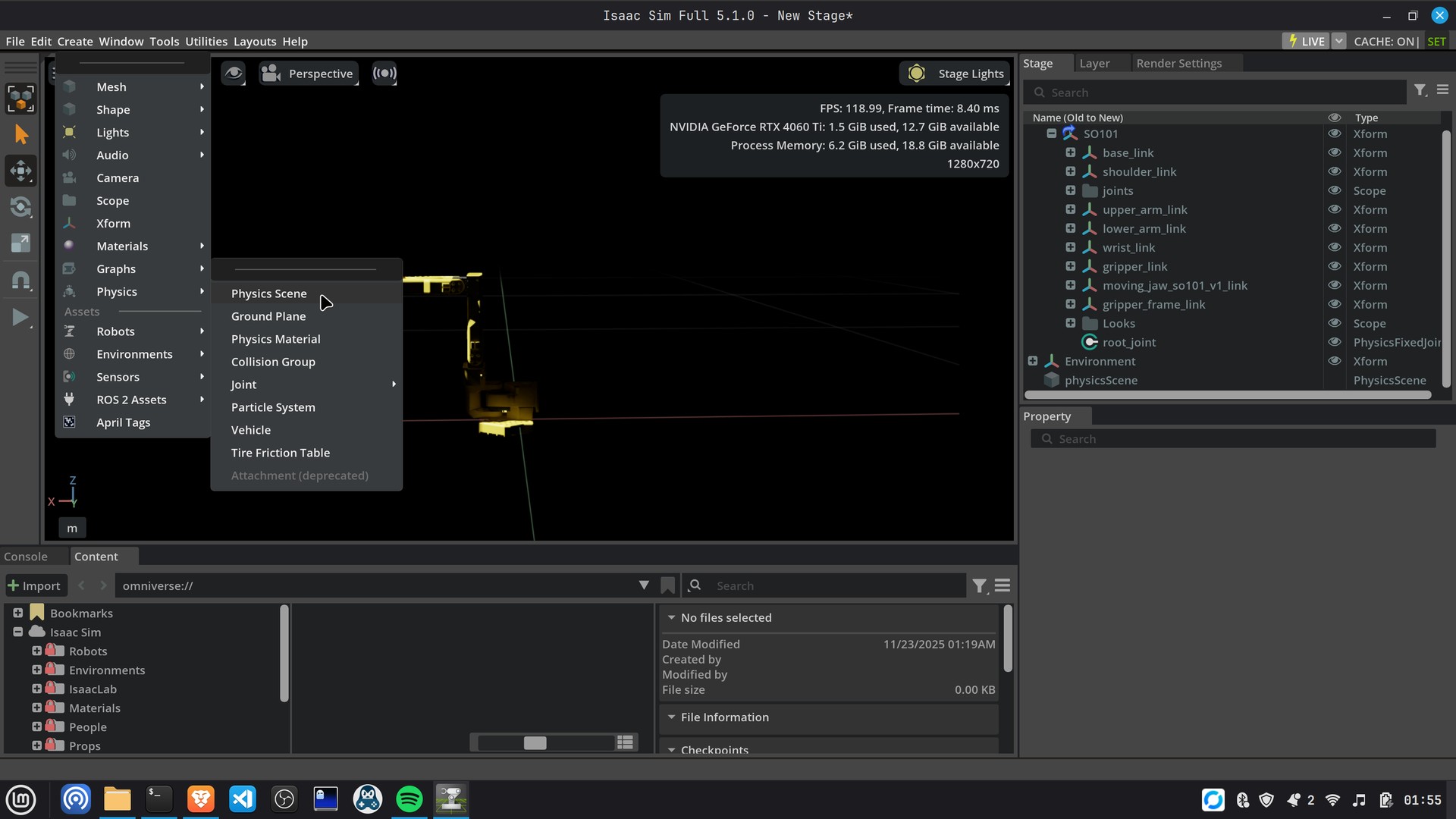
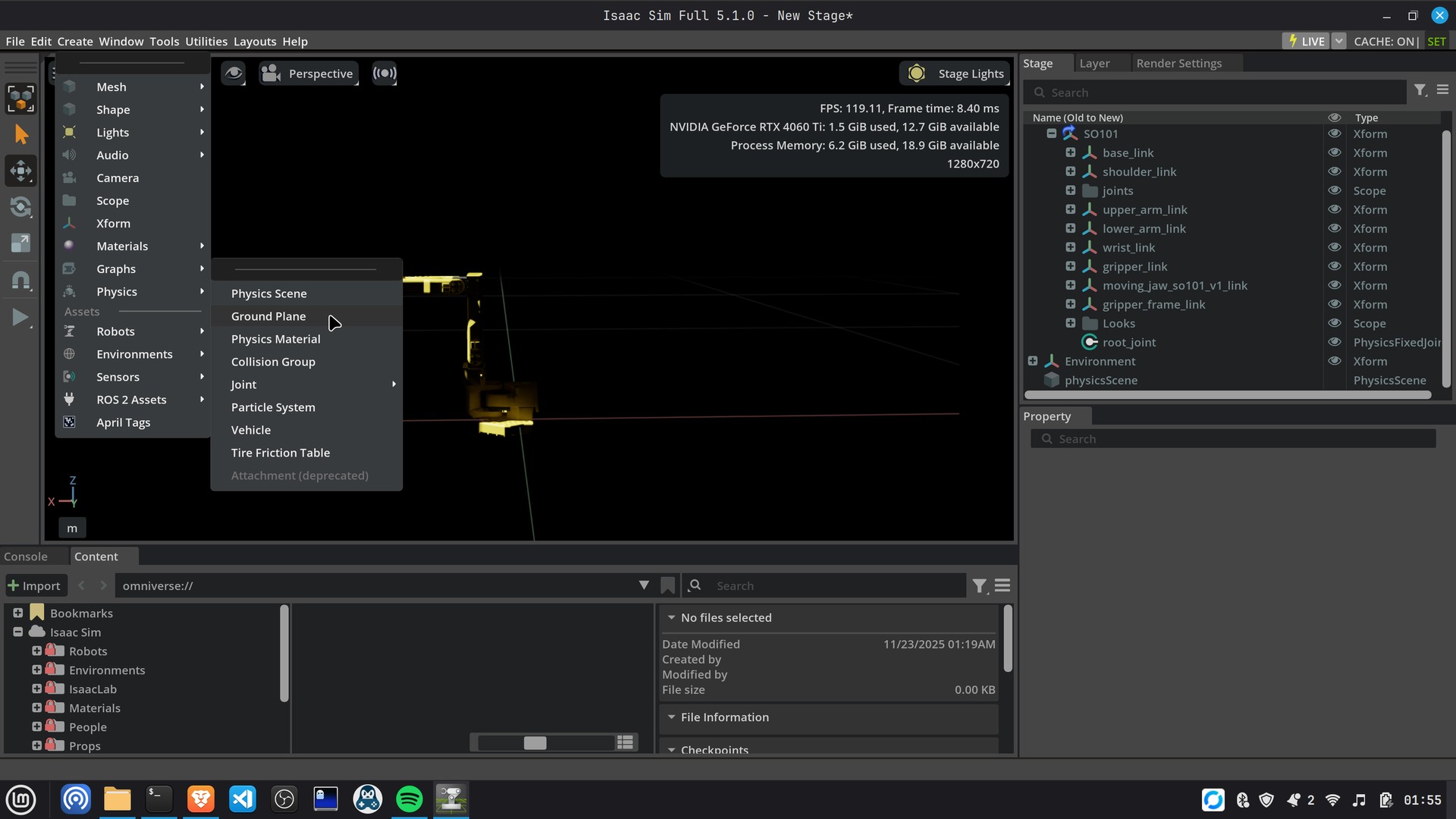
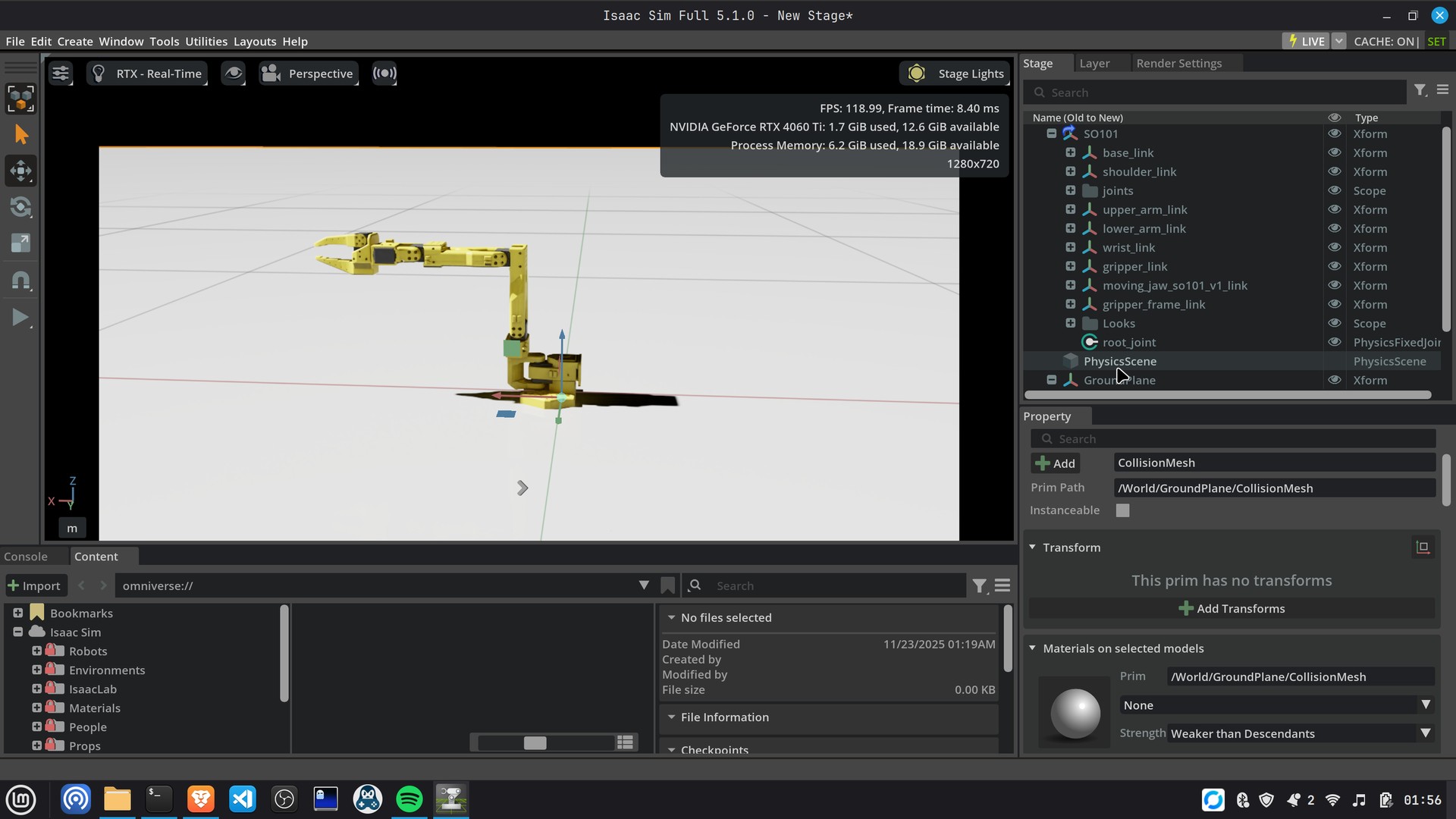
Add a physics scene and a ground plane to the stage, then check that the robot sits on the ground and can be simulated.
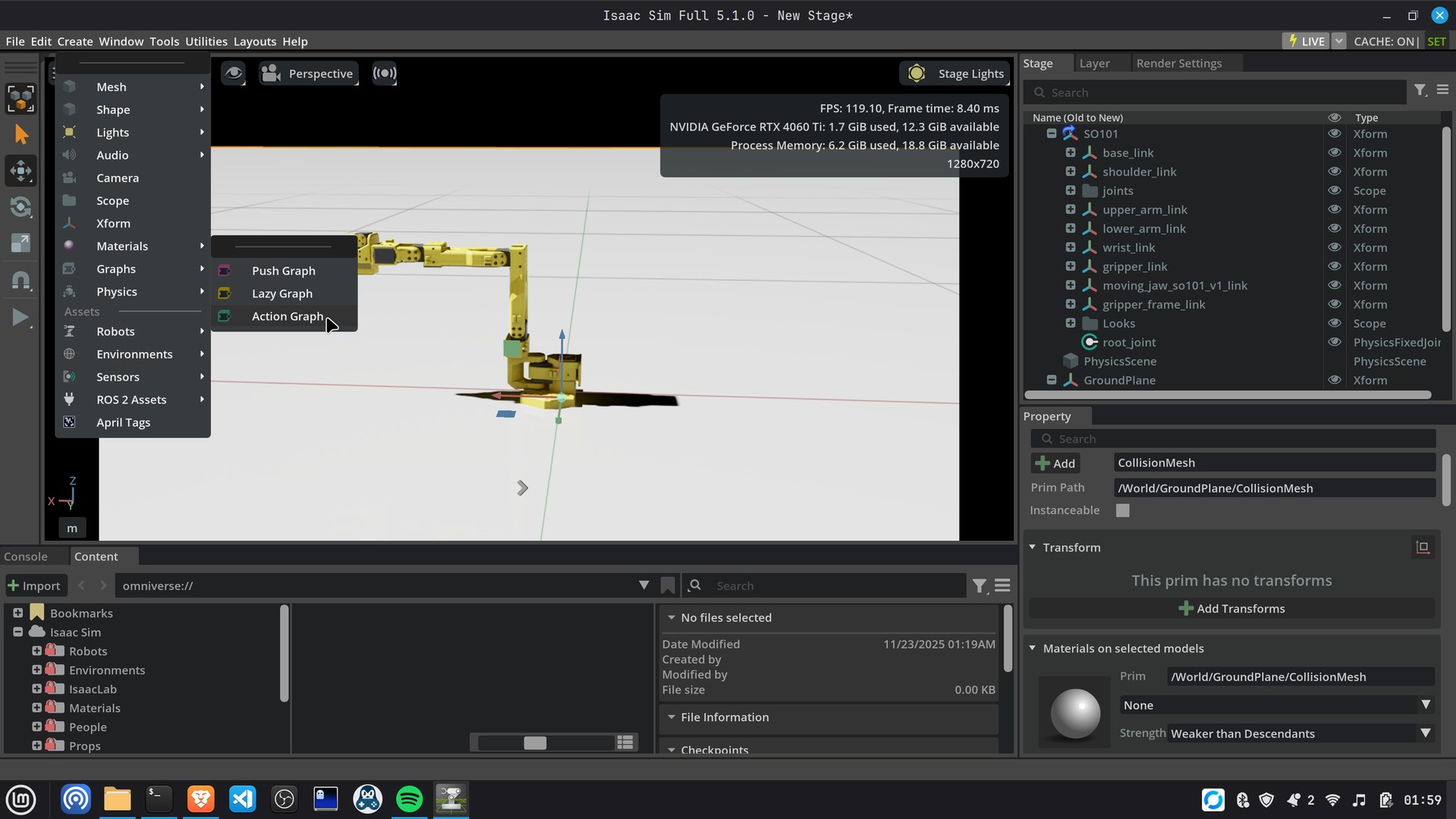
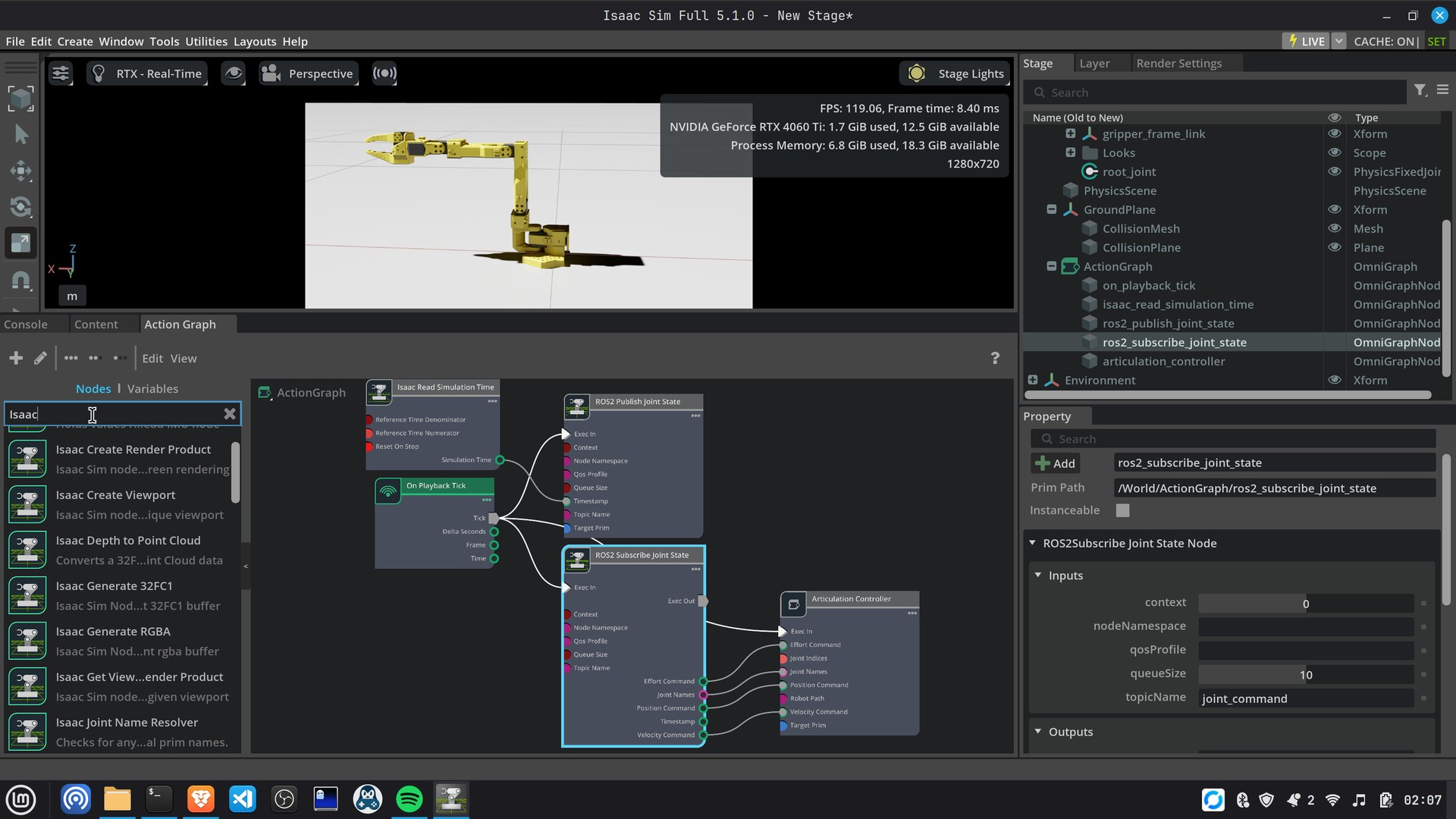
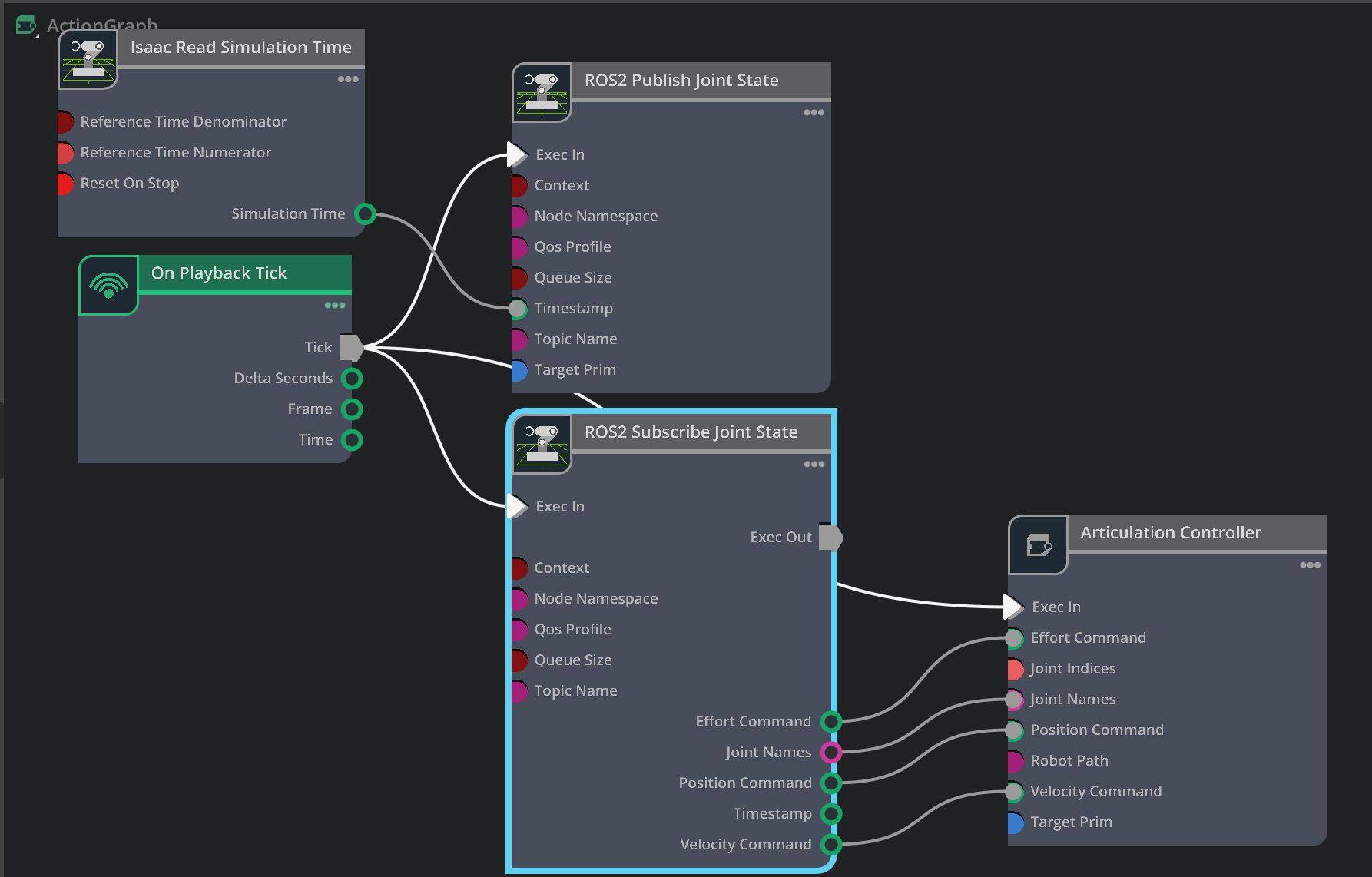
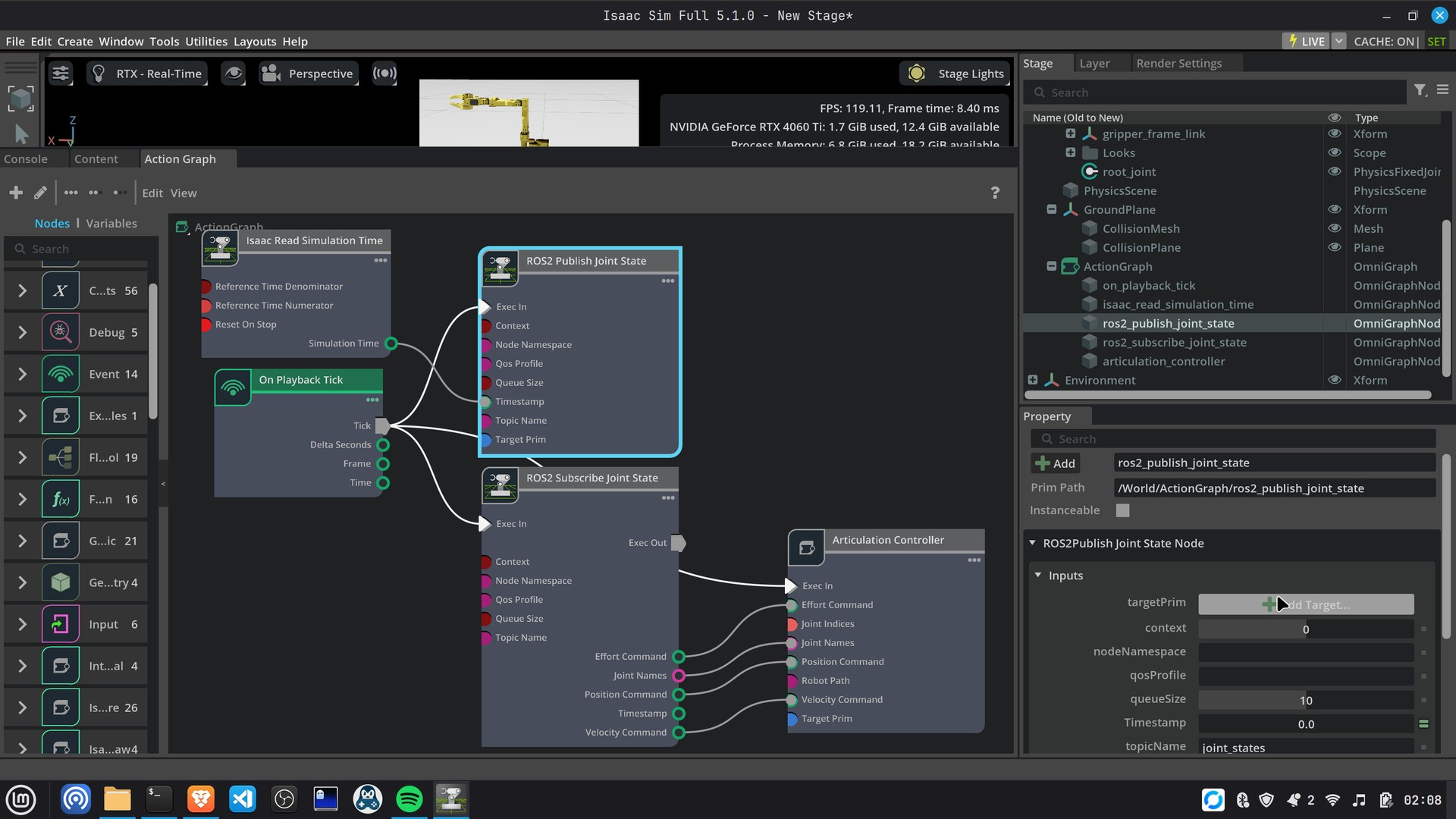
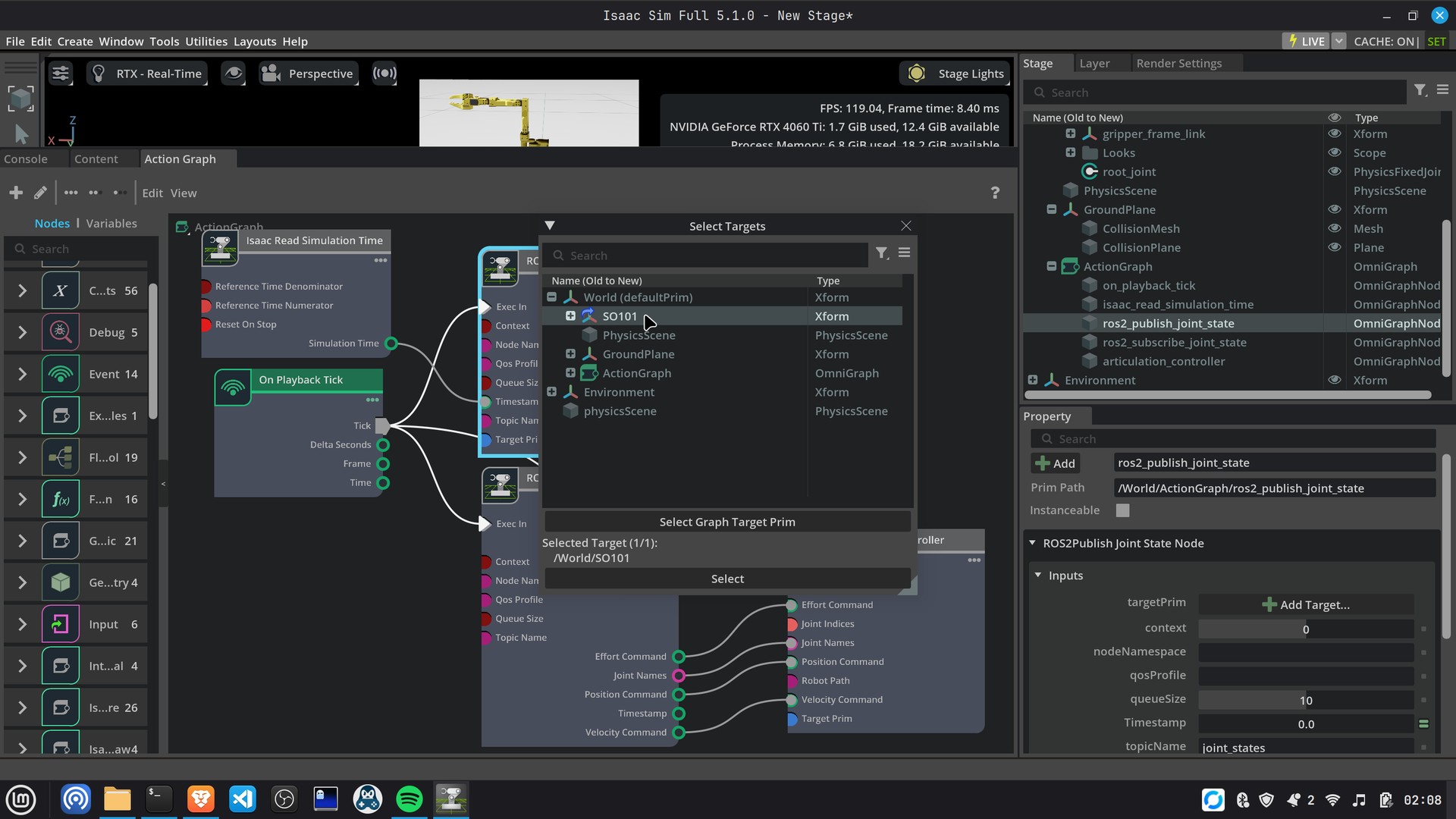
6. Add an Action Graph for ROS 2
Create an Action Graph to publish joint states from the simulation and receive joint commands through ROS 2. The original screenshots show the graph nodes and their connections.